Say you’re done.
“Done cleaning” unlocks everything, in English, Italian, Spanish, French or German. On macOS 26 with Apple Intelligence, looser phrasing like “ok, I’m finished” works too. Say “Wait” to change your mind.

Clean Keyboard pauses your Mac’s keyboard and trackpad while you wipe them, then hands them back when you say “Done cleaning”.
Try it. Type anything, or drag across the keys and trackpad.
While you clean, every key and every touch stops at the door. Blocked input never reaches another app, so no stray characters, no volume clicks, no Dictation popping up.1
A paused keyboard can’t press Esc, so Clean Keyboard never relies on one. There is always a way out that needs no input at all.
“Done cleaning” unlocks everything, in English, Italian, Spanish, French or German. On macOS 26 with Apple Intelligence, looser phrasing like “ok, I’m finished” works too. Say “Wait” to change your mind.
It ends after a minute, but never mid-wipe. While you’re still cleaning it waits until you stop, up to ten minutes.
Or press the power button, which is never paused. The Mac sleeps, and cleaning has ended when it wakes.3
If the app quits, crashes or hangs, the system removes the block on its own.
When you finish, a dirt map colours every key by how much you worked it. The keys you go over most usually hold the most dirt.4
An example clean
Most worked: Space, E and Delete
The cleaning map follows your Mac’s keyboard shape and the labels of your input language, and redraws itself if either changes.
ANSI, with the wide Return and long left Shift.
Listening for “Done cleaning” uses Apple’s speech recognition with on-device processing required. If that isn’t possible, voice simply stays off.
It turns on when the keyboard pauses and off the moment it comes back.
No audio and no transcripts are saved or sent anywhere.
Clean Keyboard doesn’t know who you are, and doesn’t want to.
No sounds, no chimes, not even for its own reminders.
Open it from Home or press ⌘? in the app. It separates what’s safe with the Mac on from what needs it shut down and unplugged.
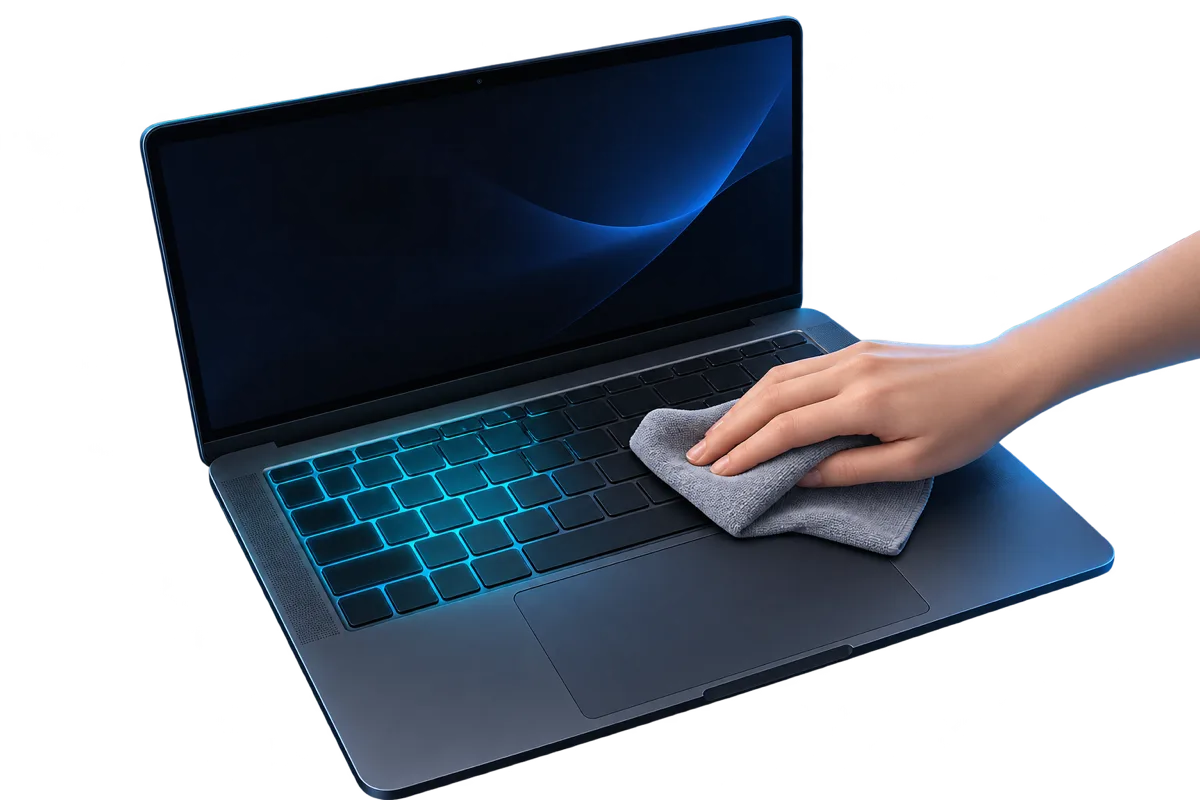
Mac on
A soft, lint-free cloth, barely damp with water. A 70% isopropyl wipe for greasy keys. Never spray the Mac.
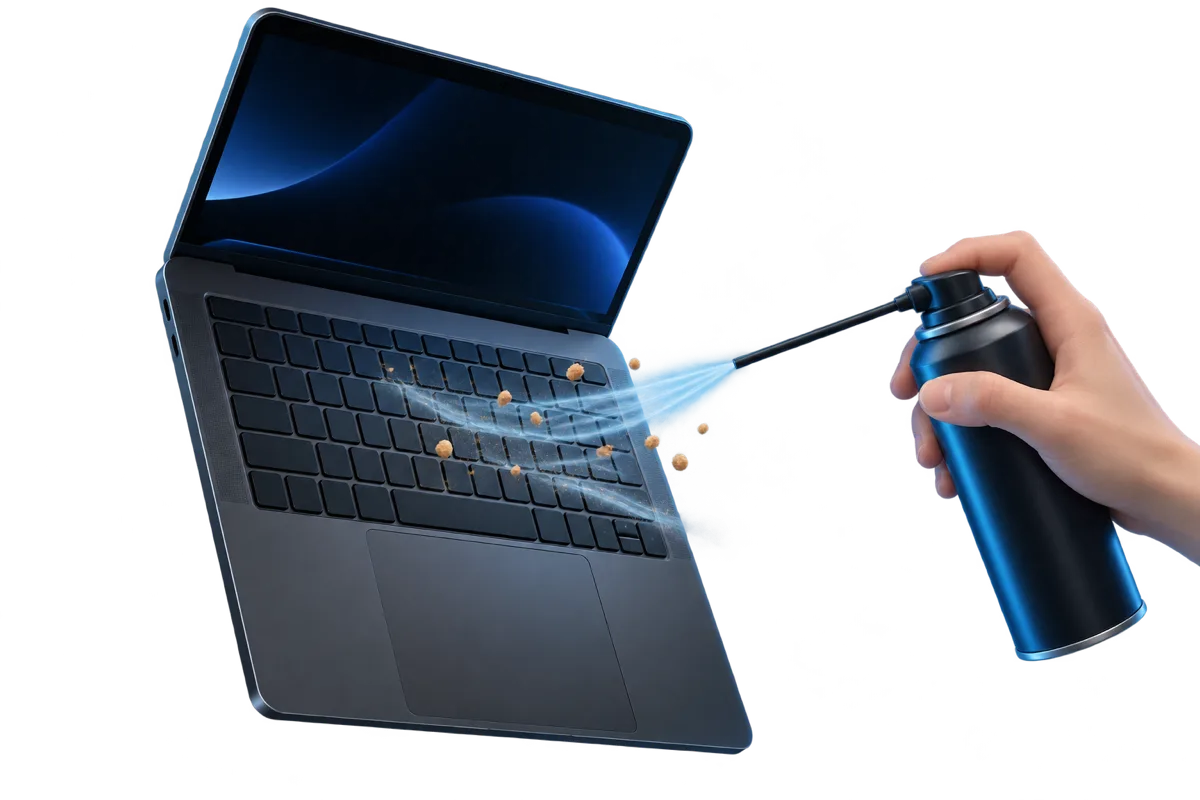
Mac on
Hold the Mac at about 75° and sweep compressed air left to right, then turn it on each side and repeat.
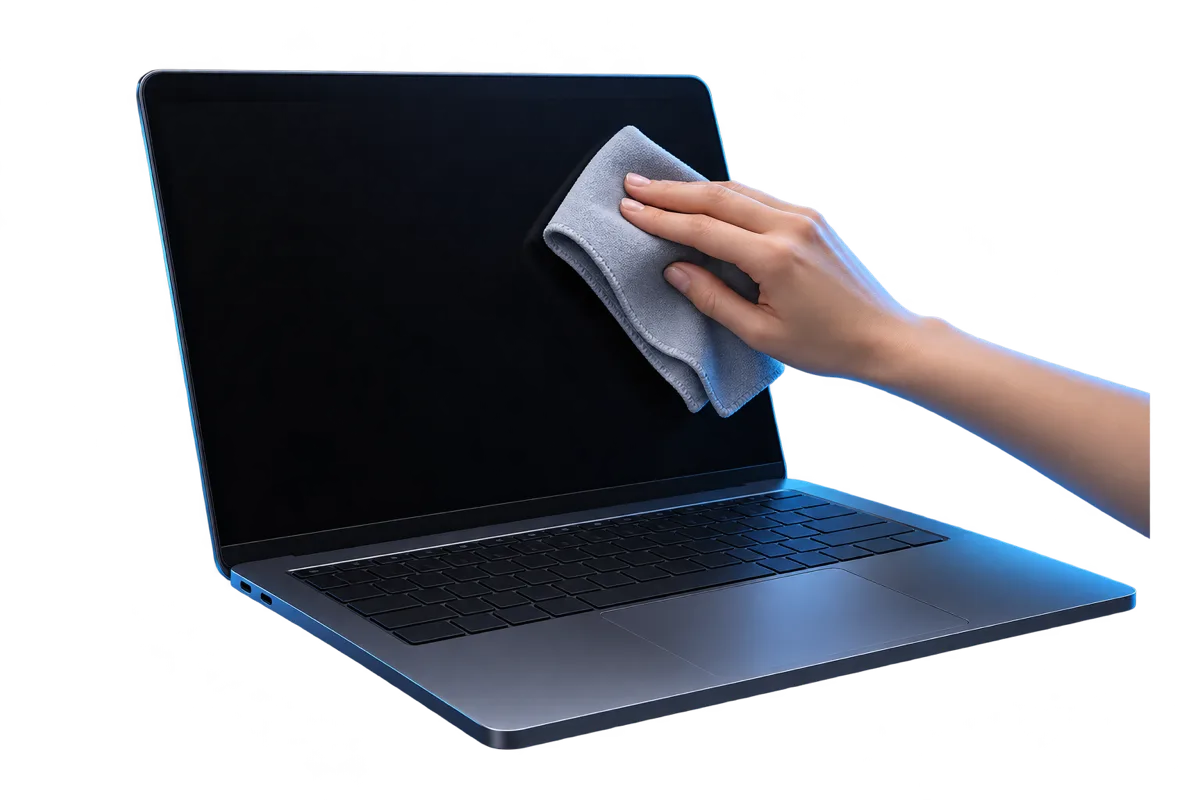
Shut down first
Water only on a soft cloth. Nano-texture displays need the Polishing Cloth that came with your Mac.
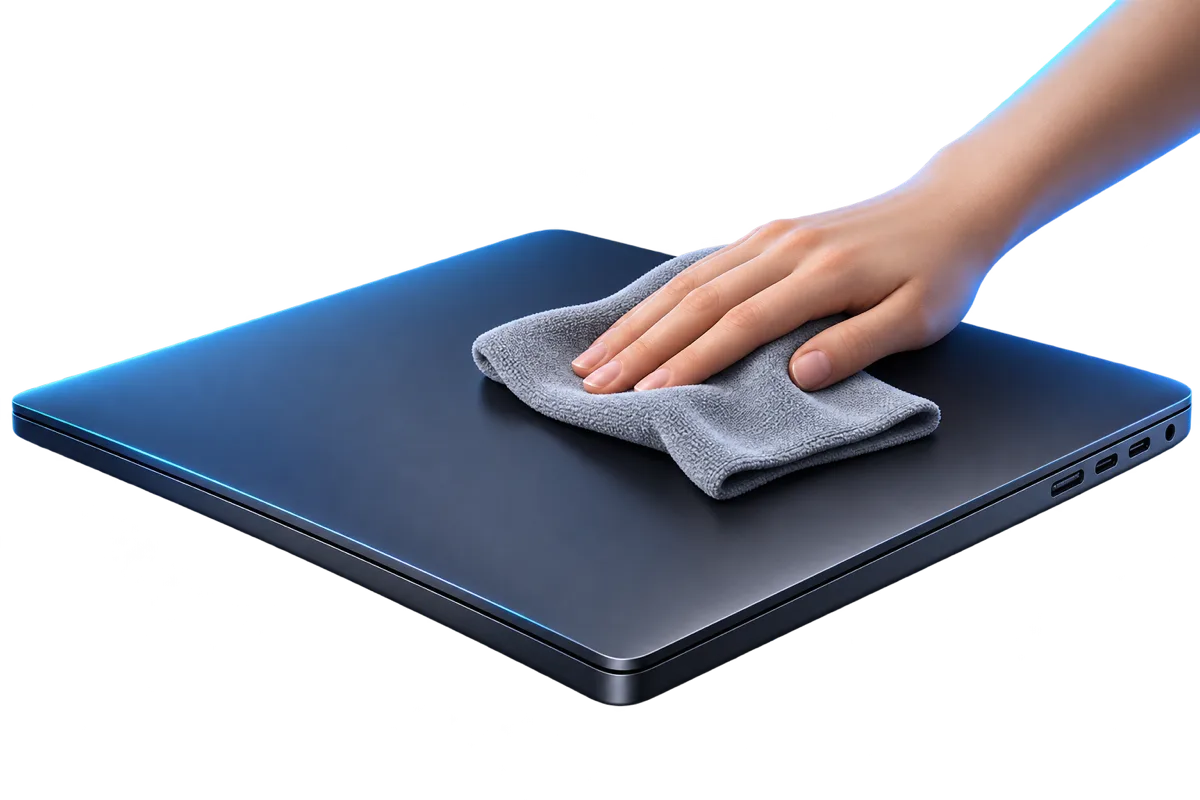
Shut down first
Unplug everything, wipe the outside lightly, and keep moisture away from every opening.
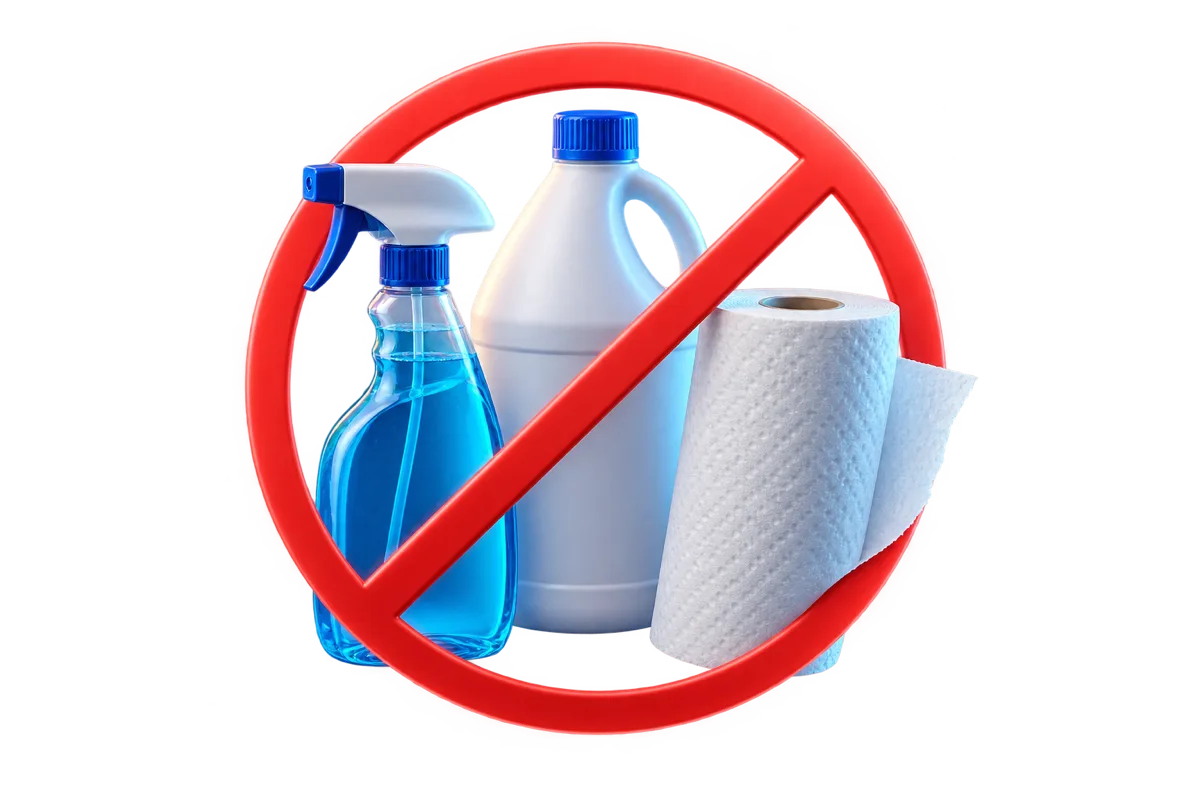
Never
Bleach, household and window cleaners, aerosol sprays, paper towels and anything abrasive.
After each clean, Clean Keyboard schedules one local reminder. Choose every 2, 4 or 8 weeks, or turn it off. No background process, no login item.
Clean Keyboardnow
Time to clean your keyboard
It’s been 4 weeks since the last clean.